Portlets are little interactive boxes on the dashboard that display relevant data or provide some functionality to the users.
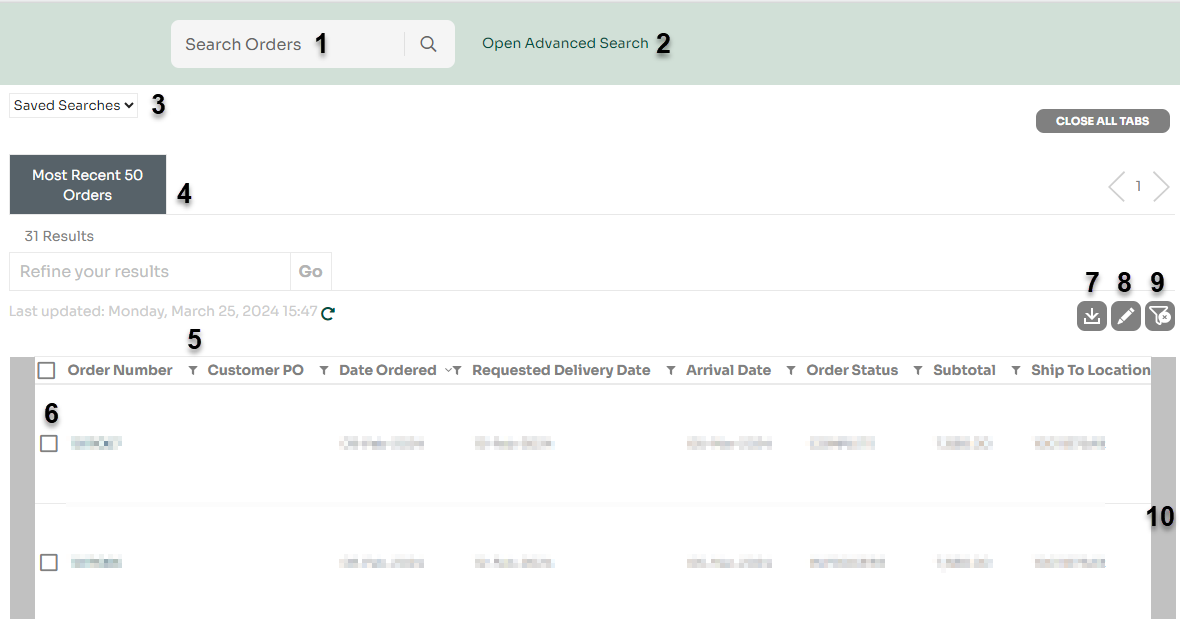
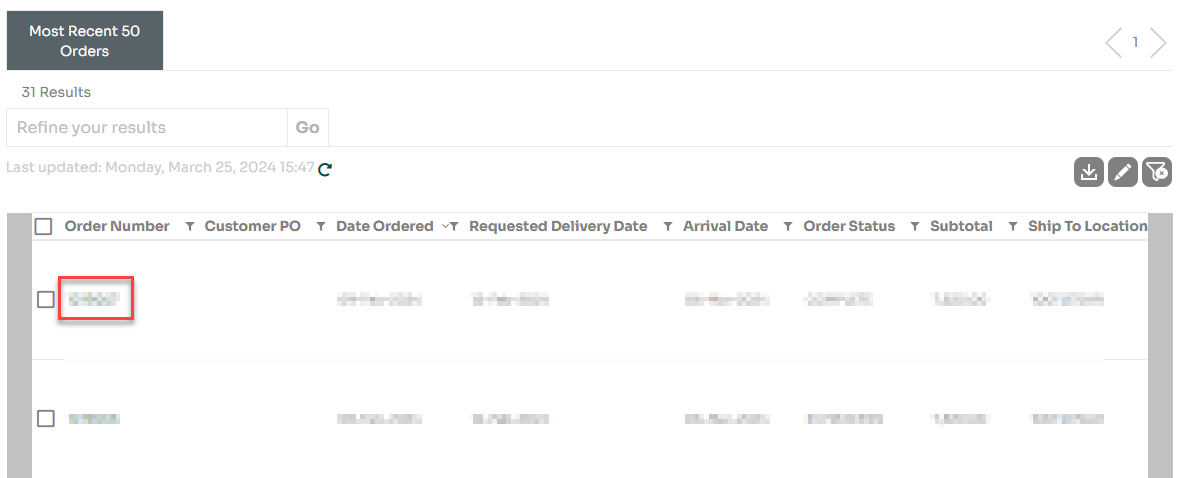
To view the Order Details page for a specific order, click on the desired order number, located under the “Order Number” column.
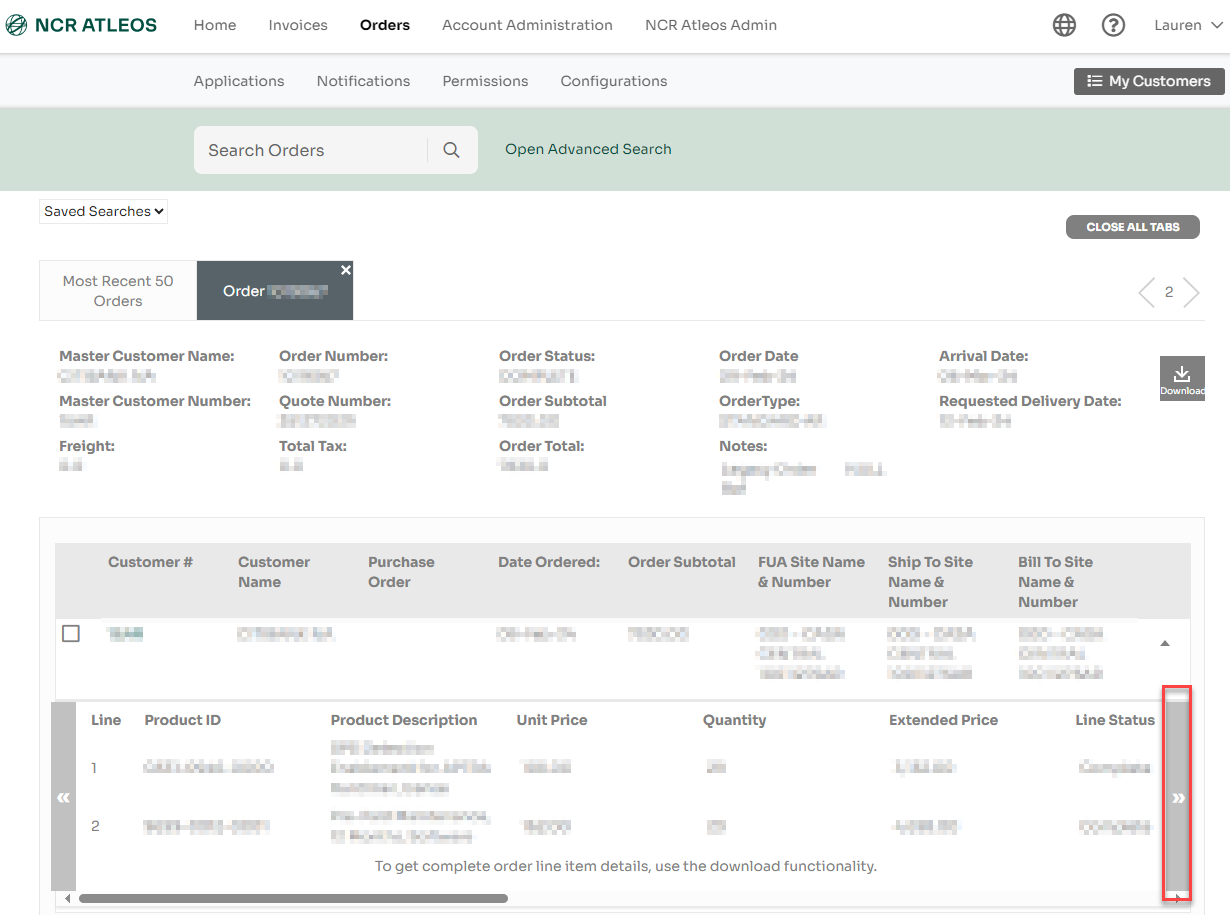
The orders details page will open in a new tab and display order detail information.
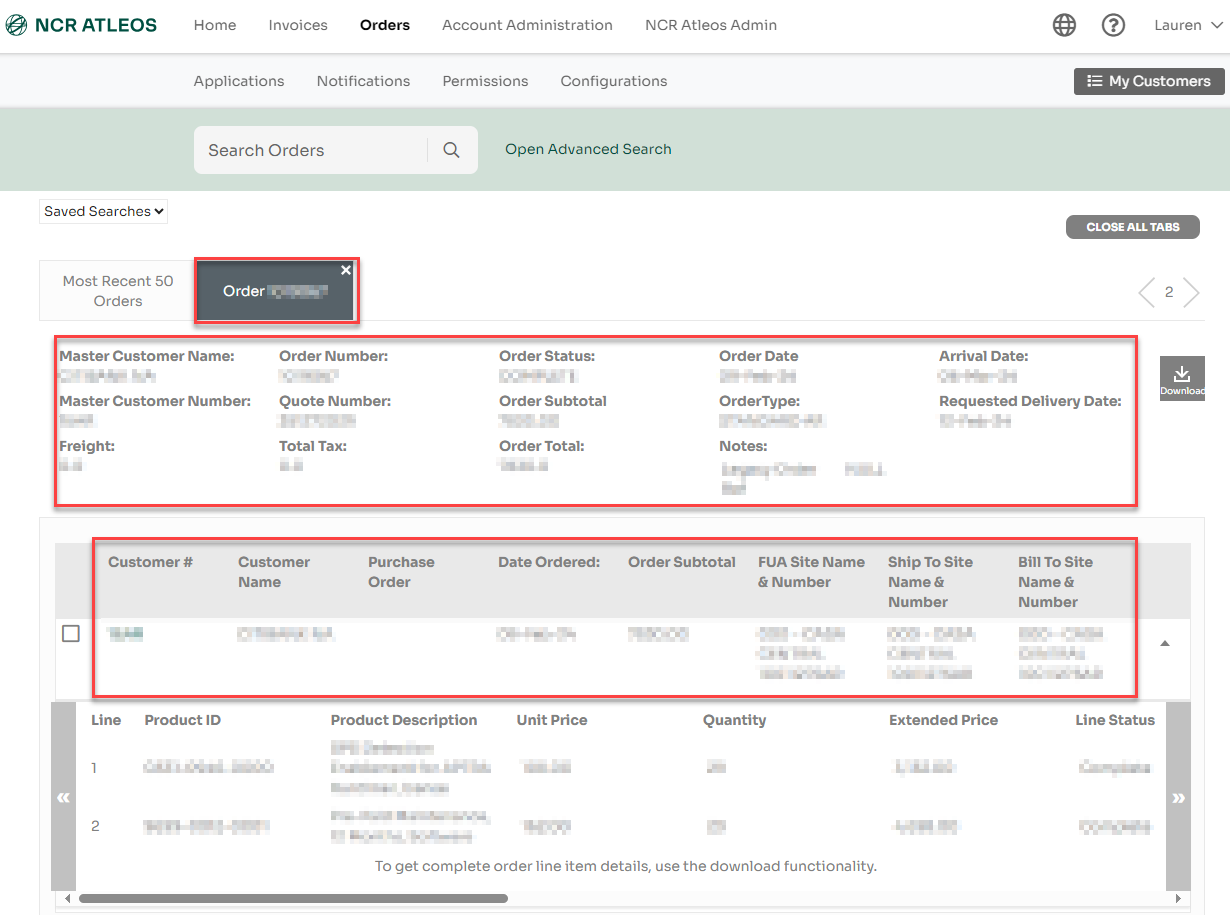
Use the lateral scrolling bar to view details, including shipment details, at a line level for each product ordered.
NOTE: Shipment tracking numbers are available for the following 7 carriers: FedEx, UPS, OMNI, Pegasus, SEKO, CEVA, CRST
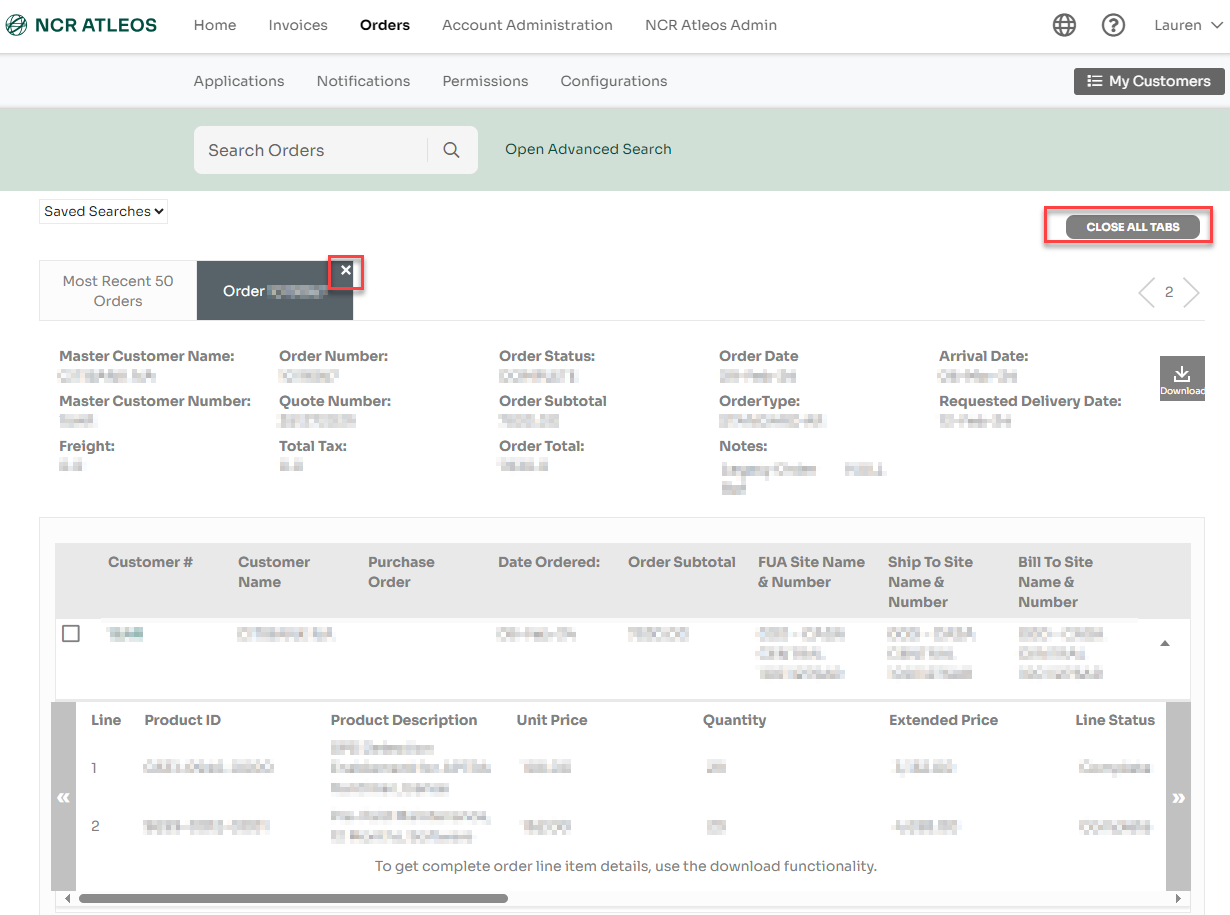
Once you are done using the Orders Details page, click on the “x” in the tab or use the Close All Tabs button.