
This guide discusses the widgets that are present on the NCR Atleos Central dashboard. These widgets are customizable in terms of their positioning on the dashboard (the landing page) of the portal, allowing you to choose which ones to show or hide. Each widget has its own functionality, which is described below with a corresponding screenshot.
The visual arrangement shown on the dashboard screenshot is not final. Each user can personalize their dashboard according to their preferences.
The image above shows an example of how a landing page might look with various widgets. Not all available widgets are visible in this screenshot.
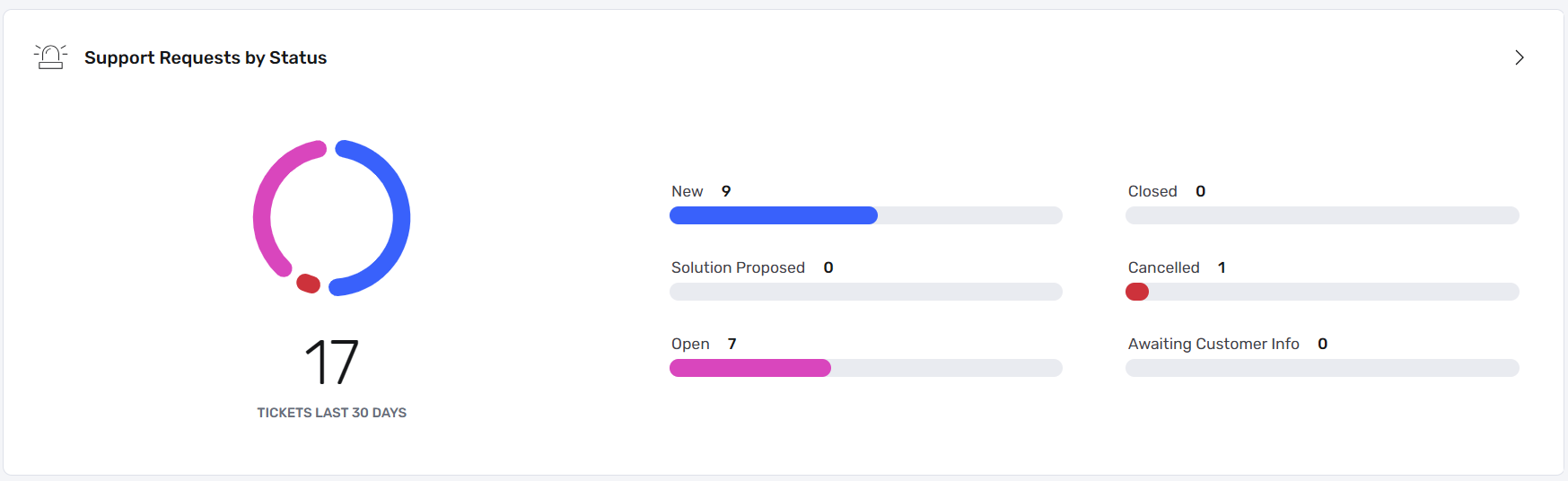
Displays all submitted support requests grouped by status, including new, open, closed, cancelled, proposed solutions, and requests awaiting customer input. The data is visualized in a pie chart.
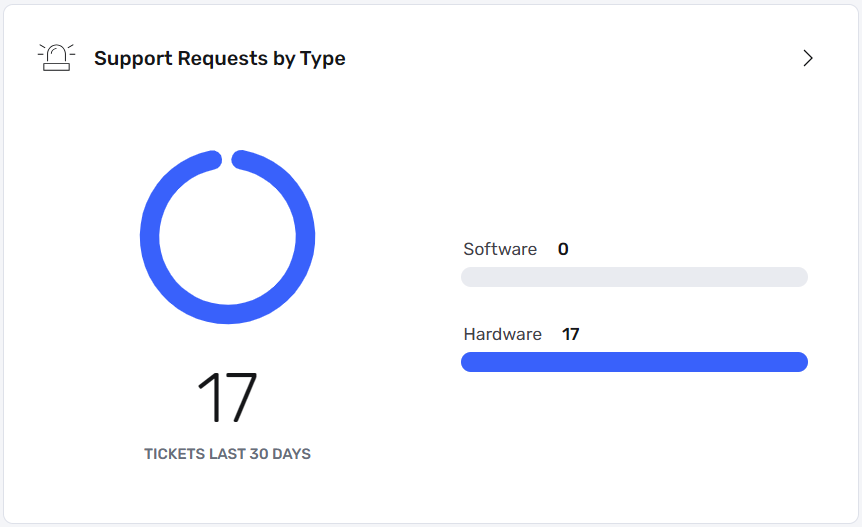
Shows the ratio between hardware and software-related support requests, offering a quick overview of issue categories.

Allows quick access to individual support requests related to hardware, software, or other system issues.

Enables creation of a new hardware support request directly from the dashboard.

Enables creation of a new software support request directly from the dashboard.
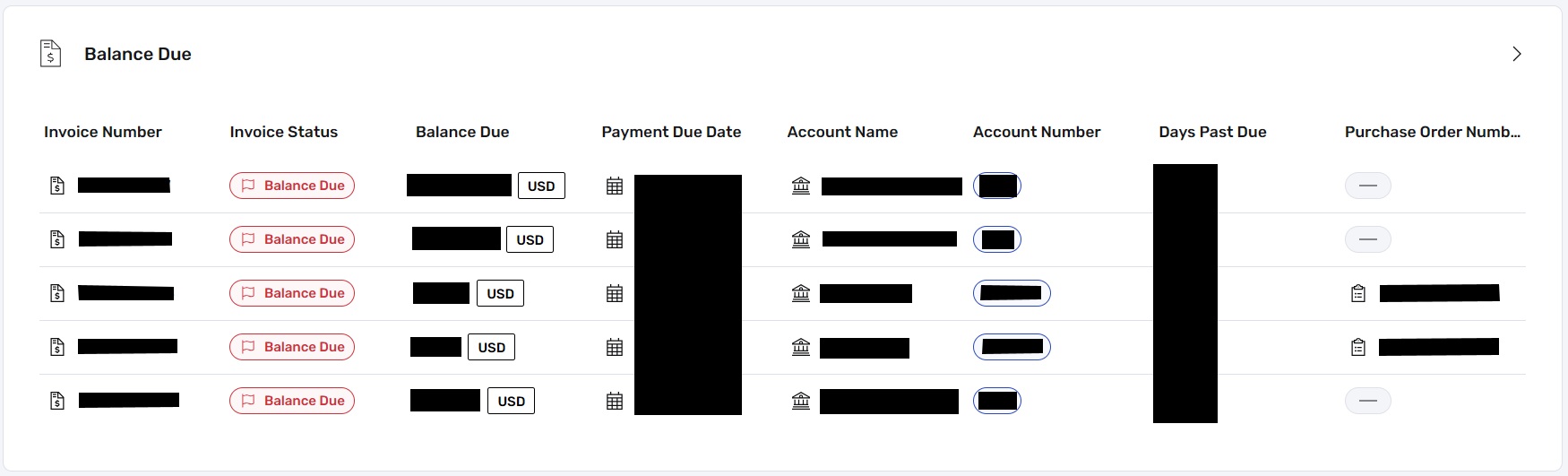
Displays invoices with outstanding balances, including invoice numbers, PO numbers, account numbers, due dates, days past due, and amounts owed.
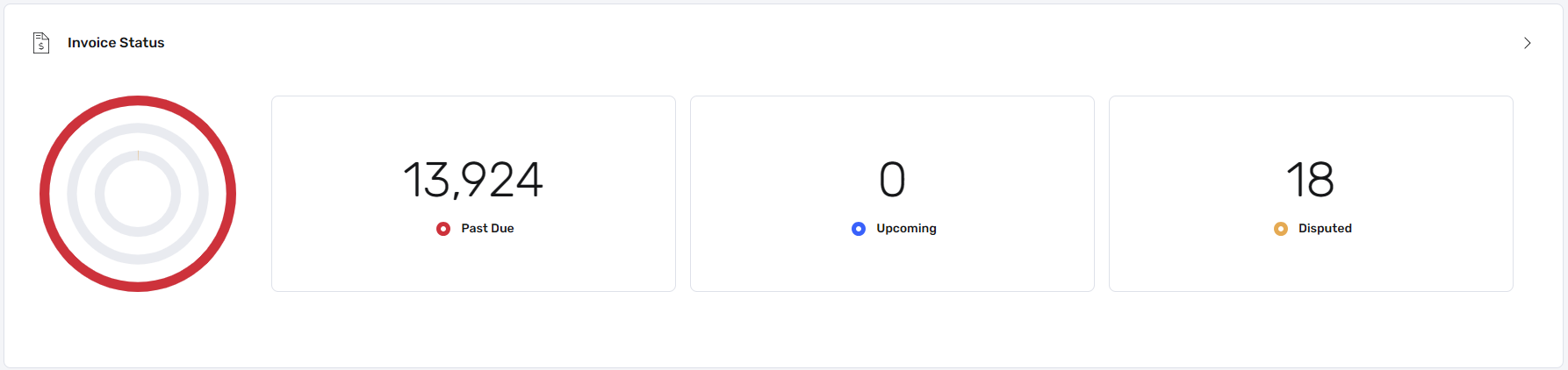
Provides a visual summary of past-due, upcoming, and disputed invoices.

Allows users to submit feedback about portal usability to support future enhancements.
Application widgets provide quick access to commonly used NCR Atleos Central applications.

Opens the My Support Link – O360 application for managing support requests.

Opens the Quotebuilder application for creating and submitting purchase-related quotes.
These are not the only widgets available in NCR Atleos Central. Additional widgets may be introduced in the future. The dashboard remains flexible, allowing users to tailor it to their workflow.