
Getting Started
Your guide to navigating and mastering the NCR Atleos Central portal
Introduction to the Portal
NCR Atleos Central is a comprehensive customer portal designed to empower you to transact with NCR Atleos anytime and anywhere.
The portal serves as a one-stop shop for managing your accounts, providing immediate access to real-time information and robust reporting that significantly reduces cycle time.
The Dashboard
Upon login, the Dashboard surfaces the most critical information at a glance, including invoice status, disputes, and shortcuts to key portal functions.
Instant Access
Search, download, view, and print invoices and order details directly in one place.
One-Stop-Shop
Centralized point for managing business operations with real-time account info.
Efficiency
Self-service features that promote faster turnaround and operational efficiency.
Portal Advanced Filters
Apply multiple criteria to refine large data sets. You can search by account name, number, or invoice status and save these searches for future use. Click any image to zoom.
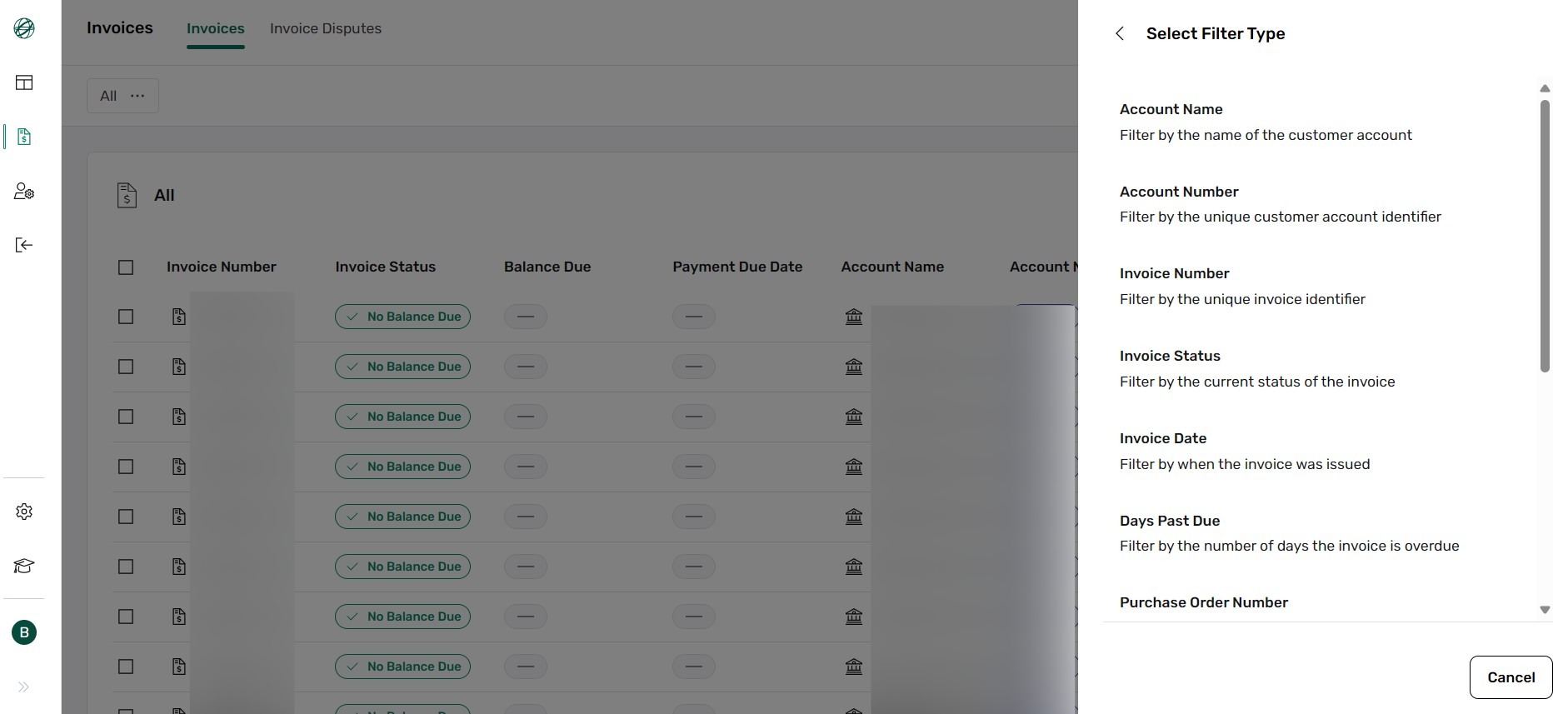
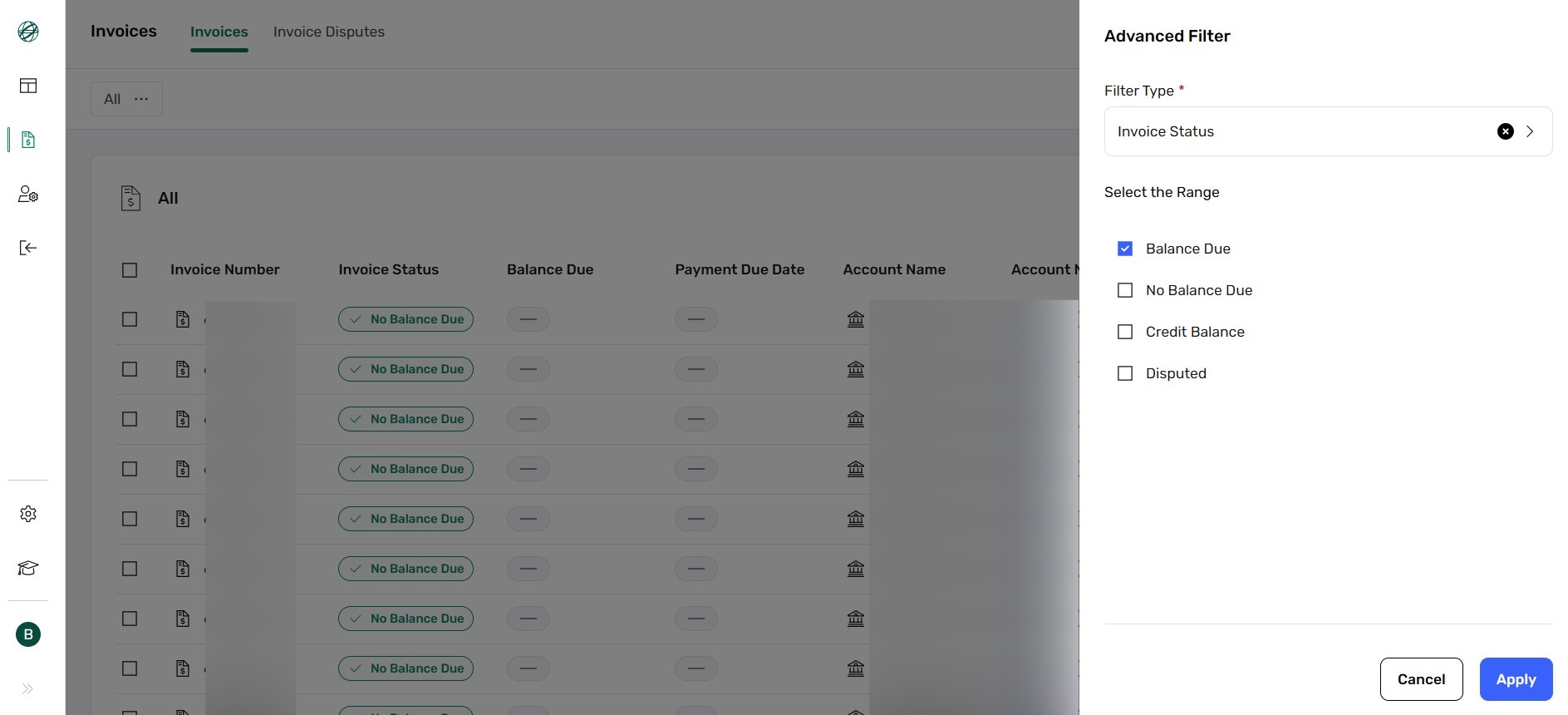
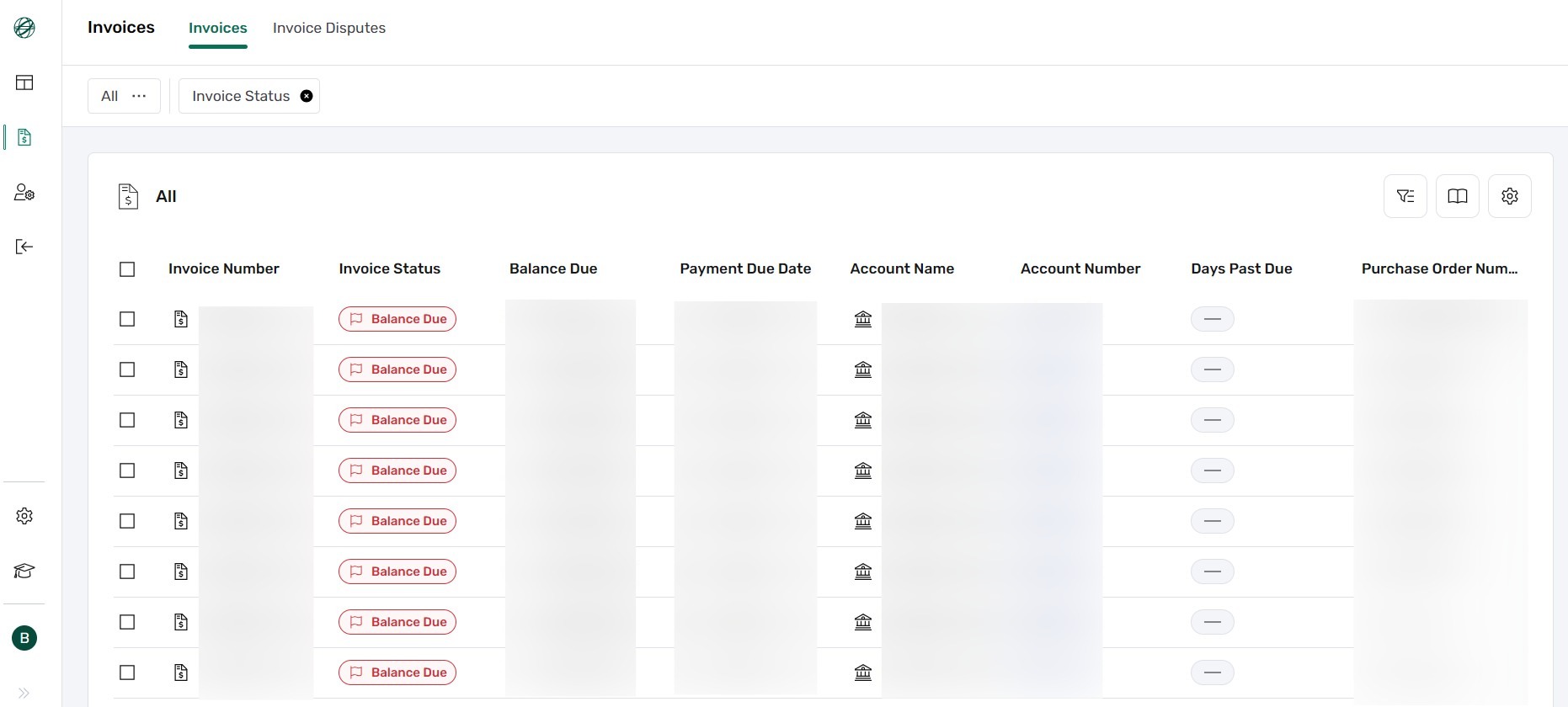

Table Customization & Export
More Actions & Downloading
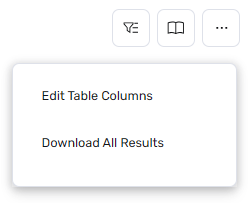
Use the More Actions icon to reveal additional table options. From this menu, you can instantly download all currently displayed results to your device for offline analysis.
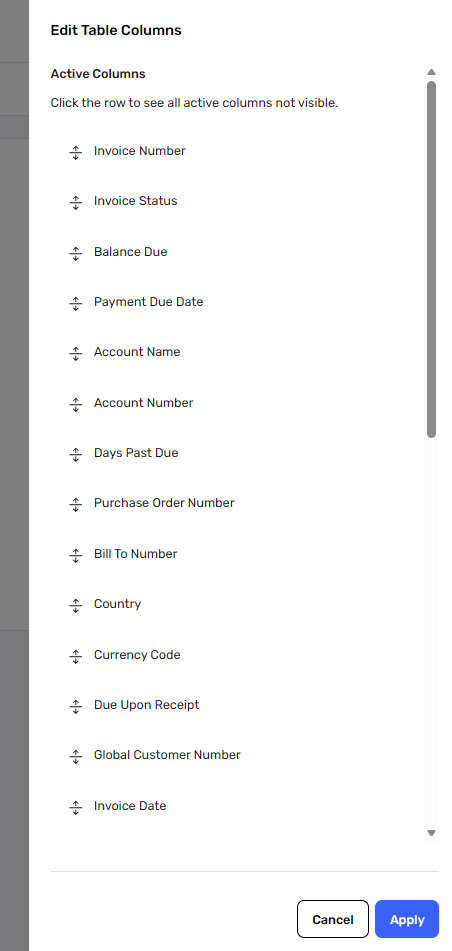
Rearranging Columns
Selecting Edit Table Columns allows you to drag and drop column headers. The order in the list matches the order in the table: the top item is the first column on the left, and the bottom item is the last on the right.
Icon Glossary

TRAINING CENTER
Access the Training Center for tutorials, resources, and helpful guides.

Send the selected invoice(s) via email as CSV or PDF.

DOWNLOAD
Download the selected invoice(s) as CSV or PDF.

DISPUTE
Dispute the selected invoice(s) if needed.

VIEW DETAILS
View detailed information about a single invoice.